 259. Jingshan from Above 中

Cover photo taken during a weekend trip to Jingshan Flower Sea with my drone. Currently only rapeseed flowers are blooming - the other flowers haven’t really opened yet. Flew the drone to maximum altitude for some photos and spotted quite a few nice views.
Recording down-to-earth trending tech I see every week, filtered and published here. Follow this weekly newsletter to get update notifications
Trending Tools
MiaoYan recently got updated with CLI support
https://github.com/tw93/miaoyan
- CLI support via
miaocommand - list all notes, search, create new ones, and cat content from the terminal. Very practical for AI workflows. - Apple notarization complete: No more “App is damaged” warnings or having to click “Open Anyway” in System Settings!
- Preview stability upgrade: Fixed occasional blank preview issues and enhanced recovery capabilities after WebContent process crashes.
- Editing experience optimization: Fixed input method issues in split-column mode, resolved system shortcut conflicts, and eliminated highlight flickering when switching notes.

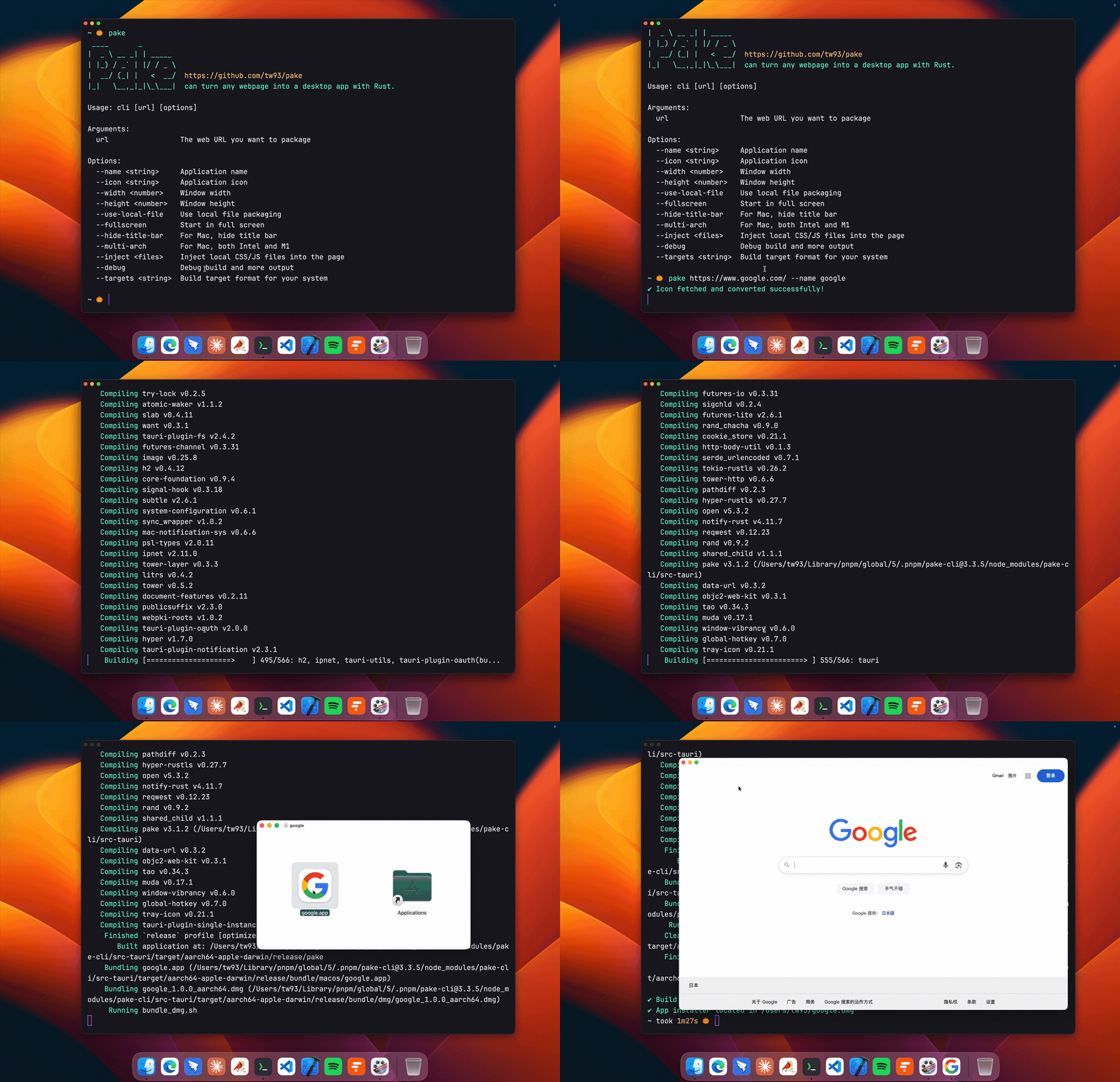
Pake released version 3.10
https://github.com/tw93/Pake
- Multi-window support: New
--multi-windowparameter allows opening multiple windows in the same App instance. When enabled, macOS File menu (Cmd+N) and system tray menu will both show “New Window” entry. Restarting the App opens new windows instead of focusing existing ones. - Internal link regex control: New
--internal-url-regexparameter supports precise control over which URLs are treated as internal links via regex, as an alternative to the default same-domain judgment. Falls back to default logic on invalid regex. - Windows ICO icon fix: Reordered multi-resolution ICO files to prioritize 256px icons, improving App icon display quality on Windows.
- DMG background image fix: Restored Retina metadata for macOS DMG background images and adjusted dimensions, fixing background display issues in CI builds.
nanobot: A lighter OpenClaw form factor perfect for personal computers
https://github.com/HKUDS/nanobot
I currently have two nanobots running locally - one focused on code that helps me review issues, organize thoughts, and push technical solutions forward; another for life stuff handling daily tasks. Basically replaced my ChatBot habit from six months ago. Plus a cron job that keeps watching - if the service goes down it automatically restarts, and I use Amphetamine to keep my home computer always online. After running for a while, it becomes a stable part of your environment that doesn’t require you to consciously open, maintain, or fuss with it.
Often when you’re halfway through coding or when you’re out and can’t conveniently open your computer, you can casually toss tasks to it to work on first. When you come back later, some of the prep work is already done. This experience is very practical and feels natural for engineers who prefer lightweight, simple, self-controllable solutions. If you don’t want to tinker, I’d actually recommend using the installer version - works out of the box. For those who want to add custom features like me, you can clone it locally and have nanobot optimize its own code and iterate on itself. Recently added quite a few fun features.

Amphetamine keeps your Mac awake
https://apps.apple.com/us/app/amphetamine/id937984704
When running things like OpenClaw or nanobot, you really don’t want the screen to sleep or even want it to keep running with the lid closed. Found this software - free and works great. Perfect for when you’re using a home Mac but want it to stay on with the screen off.

Maple browser bookmark tool latest update
https://github.com/tw93/Maple
- New tab opening setting: Added “Open in new tab” option in settings, with hover tooltips disabled by default for a cleaner interface.
- Multi-language support: Optimized settings page styling and added multi-language support for better accessibility.
- File protocol support: Fixed issues with opening file protocol bookmarks (file://).
- Bug fixes: Fixed Bing date issues, sorting problems, and various UX improvements.

Discovered a very modern VSCode theme: Islands Dark
https://github.com/bwya77/vscode-dark-islands
Has that new Apple system feel with glass arc effects, rounded corners - very modern looking, though you might not get used to it.

Readout: Visualize your Claude Code projects
https://readout.org
Visualizes your Claude Code environment in real-time. Shows AI, sessions, repos, costs, MCPs, ports, and more. Provides instant global search and complete session replay with timeline scrubbing. Runs locally, no account needed. Looking forward to its future development.

Random Finds
Gaidihu floor drain core is excellent, worth trying
After buying the Gaidihu floor drain core that topped my “best purchases of the year” list and testing one, I bought another and replaced all the bathroom floor drains in my house. Very smooth drainage without clogging, easy to install. Highly recommended.

Haven’t eaten coconut meat in years, quite interesting
Learned how to open a coconut without a knife: First peel off the top, then you’ll see 3 faces. Gently press to find the spot that’s noticeably softer, then look for the hole there.
As for cracking the shell open - use another coconut. Hold one in each hand and smash the three raised ridges against each other. Hit hard a few times and one will crack, then break it open. The coconut meat is very refreshing!

|

|
Random Thoughts

Last Friday I saw Tencent Tower installing OpenClaw company-wide. Quite thought-provoking - felt a bit like “The Great OpenClaw Leap Forward”.
Recently many big tech companies have been frantically pushing frontline non-technical employees to install OpenClaw. There’s even a real 500 RMB on-site installation service online. Everyone’s desperately searching for use cases, demanding implementation, trying to prove this thing is too important to miss. The whole process gives me a strong sense of cyber-tech folding.
Saw an interesting quote: “People who can’t even install OpenClaw, how would they use it?” Taking it a step further - if you haven’t even established basic usage, yet you’re expected to first create complete scenarios, deliver results, and prove value - that’s even harder.
There are two things叠加 (stacked) behind this. One is illusion: many bosses have watched too many WeChat video clips, been repeatedly bombarded by exaggerated narratives and universal case studies, and really start hallucinating that this thing can do anything, connect anywhere, everyone should install it, and installing it should immediately produce output. The other is anxiety: everyone fears missing this wave, so they start using administrative actions to push adoption, using collective anxiety to replace real demand.
So you see a strong contrast. On one side, slogans are huge - as if everyone must enter the AI-native era. On the other side, many people can’t even clearly articulate what things are worth handing over to it. This contrast will only grow stronger and increasingly absurd.
Because tools never generate value through installation. Tools only generate value through task density, clear processes, and visible results. Without continuous tasks, without SOPs, without conditions for online completion, without clear inputs and outputs - even the strongest thing sitting there is just an icon. It won’t automatically grow scenarios just because it’s installed.
So I’ve always felt OpenClaw isn’t for everyone.
It suits commanders, solo entrepreneurs, and people who constantly have things they want to push forward, can break work into steps, and can complete many things online. Especially if you’ve used skills and tools, understand AI’s capability boundaries, can string processes together, build scenarios, and complete things step by step - then it’s very suitable.
For me, this scenario comes naturally. Especially when there’s lots to push forward but I’m not home or at the office - out with just my phone or can’t conveniently open my computer - I’ll have my two nanobots check my open source product issues, produce technical solutions, then have another review and submit. All in one go. Lets me elegantly get things done during my morning commute. Really convenient.
But for someone who normally has no work to complete outside, or who doesn’t even want to open their computer when they get home - how could you force scenarios to exist? Eating well and having fun is comfortable enough. No scenario means no scenario, really no need for anxiety.
I think what’s most easily amplified in this wave isn’t capability gap - it’s scenario gap. People with scenarios will use it more smoothly, run faster, eventually feeling like they have multiple selves. People without scenarios will easily spin around in concepts, tutorials, case studies, and videos, ending up with nothing changed except having installed more software.
Many people’s biggest problem today isn’t not having installed OpenClaw - it’s treating having installed a tool as having entered the AI era. The real watershed has always been in task understanding, process design, and result judgment. Do you actually have continuous problems to solve? Can you break problems down and hand them to the system? Can you judge whether results are correct? These determine whether you can truly extract value from AI.
So no need for anxiety. Installing OpenClaw when you have no real use case doesn’t mean much.
If you really want to experience where this generation of AI is strong, better spend $20 on Claude Code, or more interestingly get a ChatGPT subscription, use GPT 5.4 to handle something you truly find difficult - produce a solution, push execution forward, experience this simple, efficient, problem-solving process once. That’s way better than installing OpenClaw.
OpenClaw suits people with scenarios, suits commanders, suits solo entrepreneurs, suits those who can SOP-ize, online-ize, and complete processes step by step. It’s certainly powerful, but it proves its power through completing work for you, not through being installed.
What many people are installing today is OpenClaw. What’s more important to figure out first: What problem do I actually have that’s worth solving with AI?
That question may be more important than installing anything.