# 284. A Stylish Restaurant
> The cover photo is from a restaurant upstairs at B1OCK in Tianmuli, where I went this weekend for a meal with beautifully presented food. I used to like eating there a few years ago. This time it felt more like an Instagram spot. The food was still decent, though I didn’t enjoy it as much as before, and quite a few dishes had changed, which was a little disappointing. These bottles were by the entrance, so I took a photo. I like the feel of it.
- Issue: 284
- Published: 2026/09/28
- HTML: https://weekly.tw93.fun/en/posts/284
- JSON: https://weekly.tw93.fun/api/en/posts/284.json
- Chinese original: https://weekly.tw93.fun/posts/284.md
---
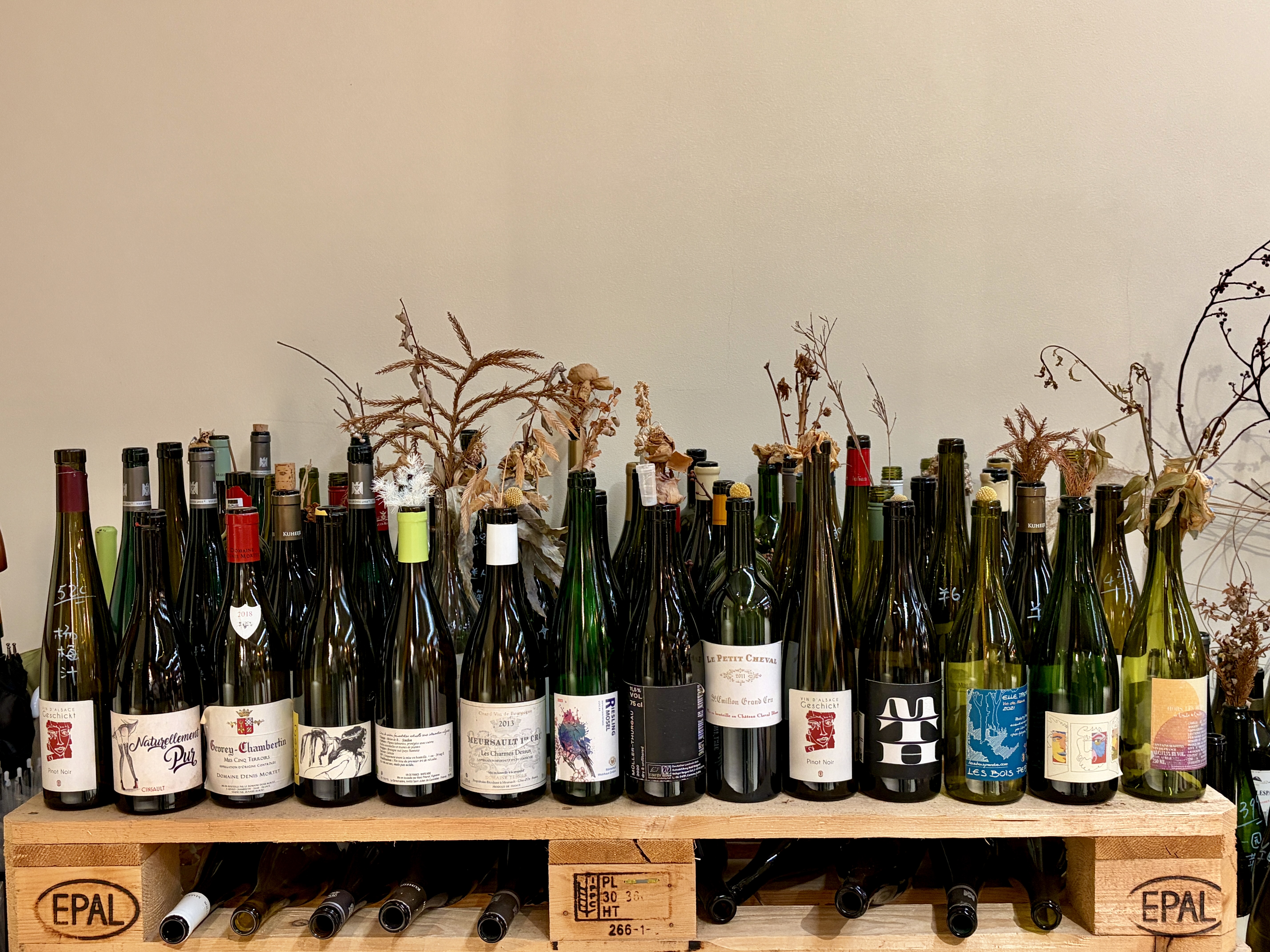 The cover photo is from a restaurant upstairs at B1OCK in Tianmuli, where I went this weekend for a meal with beautifully presented food. I used to like eating there a few years ago. This time it felt more like an Instagram spot. The food was still decent, though I didn't enjoy it as much as before, and quite a few dishes had changed, which was a little disappointing. These bottles were by the entrance, so I took a photo. I like the feel of it.
> **Down-to-earth tech I come across each week, picked out and shared here. Follow the newsletter to get updates.**
## Trending Tools
**Magpie: a nicely made local model gateway for multiple agents**
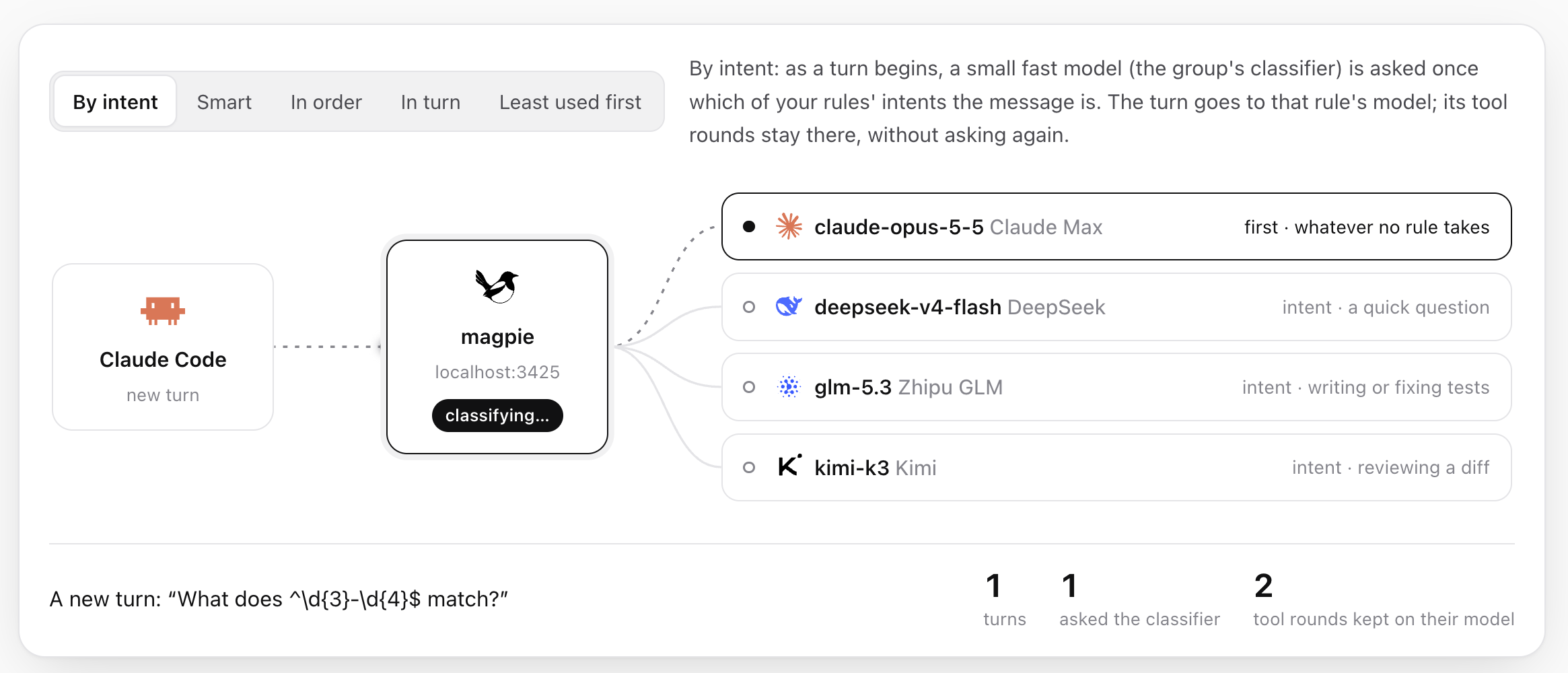
A local model gateway by yetone. From the menu bar, you can switch the models used by Claude Code, Codex, Gemini CLI, OpenCode, Cursor CLI, and other tools in one place. The local gateway connects to services such as OpenAI, Anthropic, and Gemini. Sign in with an existing subscription, and other agents can use its models too.
The cover photo is from a restaurant upstairs at B1OCK in Tianmuli, where I went this weekend for a meal with beautifully presented food. I used to like eating there a few years ago. This time it felt more like an Instagram spot. The food was still decent, though I didn't enjoy it as much as before, and quite a few dishes had changed, which was a little disappointing. These bottles were by the entrance, so I took a photo. I like the feel of it.
> **Down-to-earth tech I come across each week, picked out and shared here. Follow the newsletter to get updates.**
## Trending Tools
**Magpie: a nicely made local model gateway for multiple agents**
A local model gateway by yetone. From the menu bar, you can switch the models used by Claude Code, Codex, Gemini CLI, OpenCode, Cursor CLI, and other tools in one place. The local gateway connects to services such as OpenAI, Anthropic, and Gemini. Sign in with an existing subscription, and other agents can use its models too.
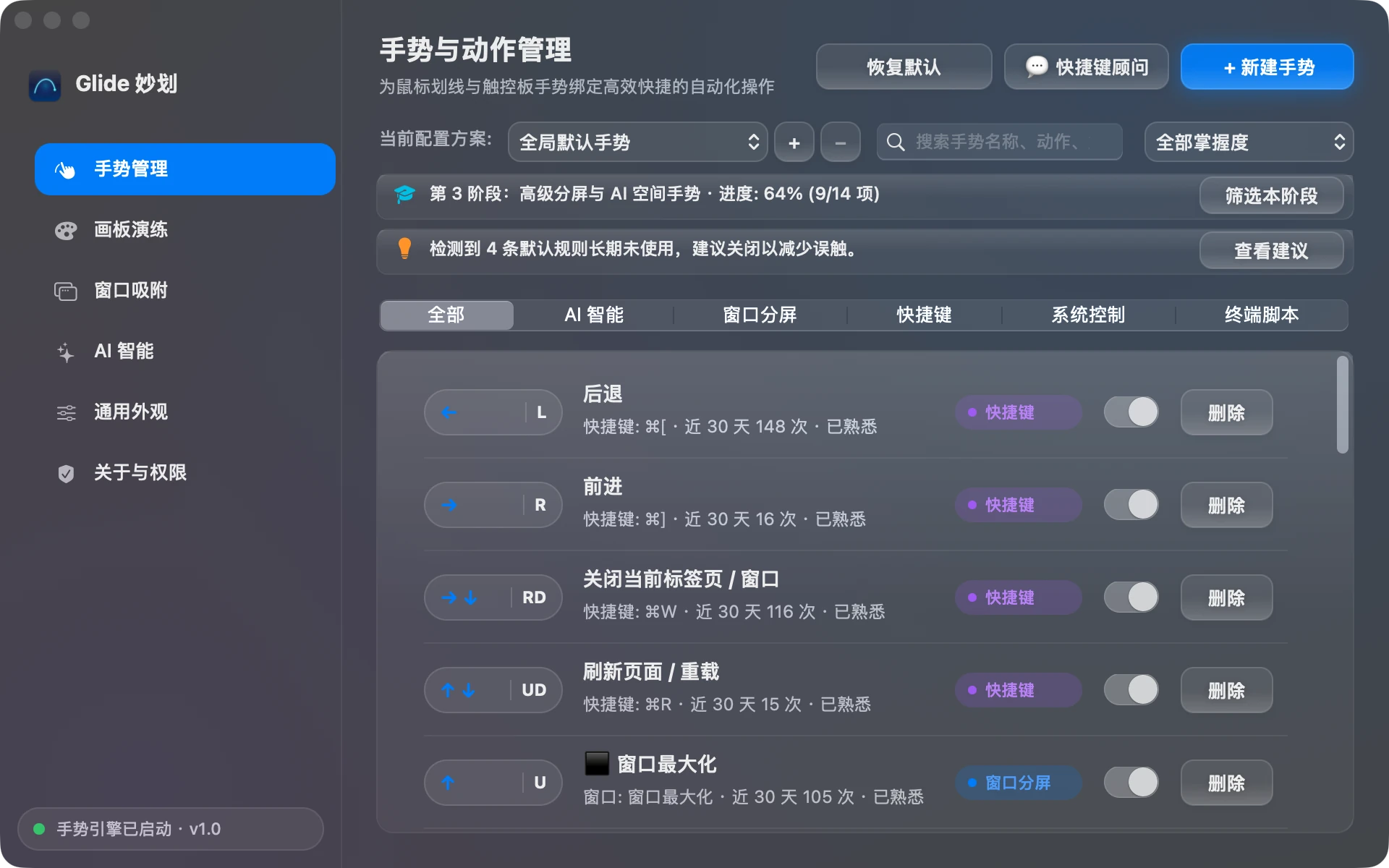
 **Glide: trigger shortcuts with mouse gestures on your Mac**
When I first used Windows, I was very used to drawing mouse gestures to trigger shortcuts. I didn't expect to find something like that on the Mac too. It's written in Swift 6 and AppKit, with gestures similar to WGestures. Worth a look.
**Glide: trigger shortcuts with mouse gestures on your Mac**
When I first used Windows, I was very used to drawing mouse gestures to trigger shortcuts. I didn't expect to find something like that on the Mac too. It's written in Swift 6 and AppKit, with gestures similar to WGestures. Worth a look.
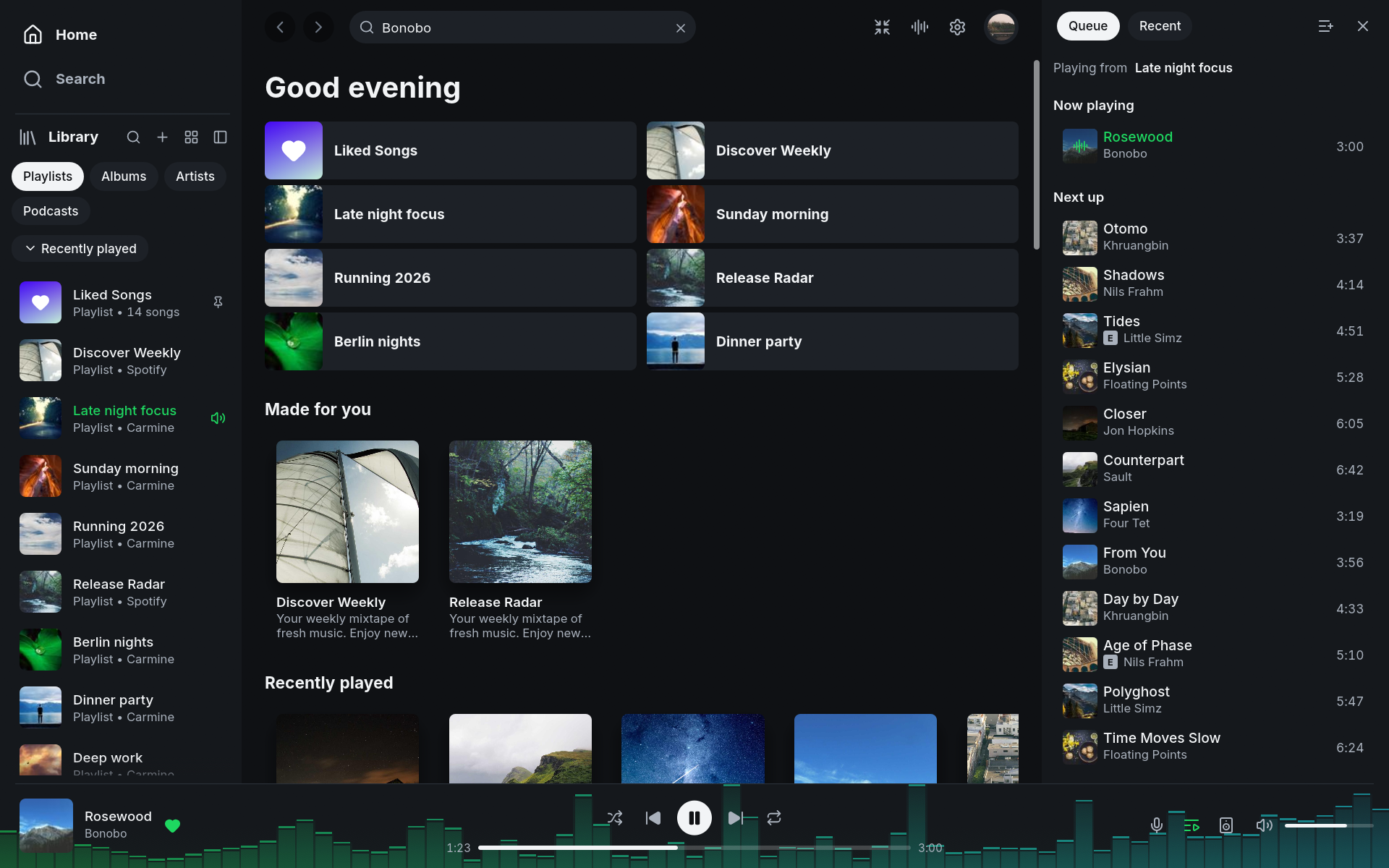
 **Spotifast: a Spotify client written in Rust**
A native Spotify client written in Rust with egui, with no browser engine. The author says it typically uses 100 to 250 MB of memory, compared with 600 MB to over 1 GB for Spotify's official desktop app. If you have Spotify Premium, give it a try.
**Spotifast: a Spotify client written in Rust**
A native Spotify client written in Rust with egui, with no browser engine. The author says it typically uses 100 to 250 MB of memory, compared with 600 MB to over 1 GB for Spotify's official desktop app. If you have Spotify Premium, give it a try.
 **Pelmet: tidy your menu bar with macOS 27's built-in hiding support**
A native menu bar organizer written in Swift. It uses macOS 27's own ability to hide icons instead of drawing a separate set of imitation icons. Give it a try if that's something you need.
**Pelmet: tidy your menu bar with macOS 27's built-in hiding support**
A native menu bar organizer written in Swift. It uses macOS 27's own ability to hide icons instead of drawing a separate set of imitation icons. Give it a try if that's something you need.
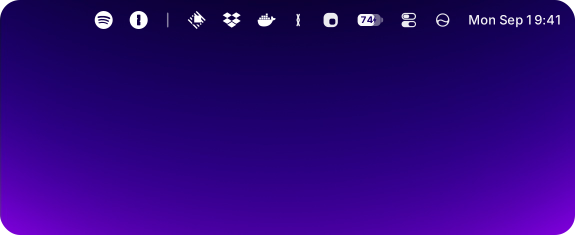 **Introducing Kaku again for new friends, a project I worked on over Chinese New Year**
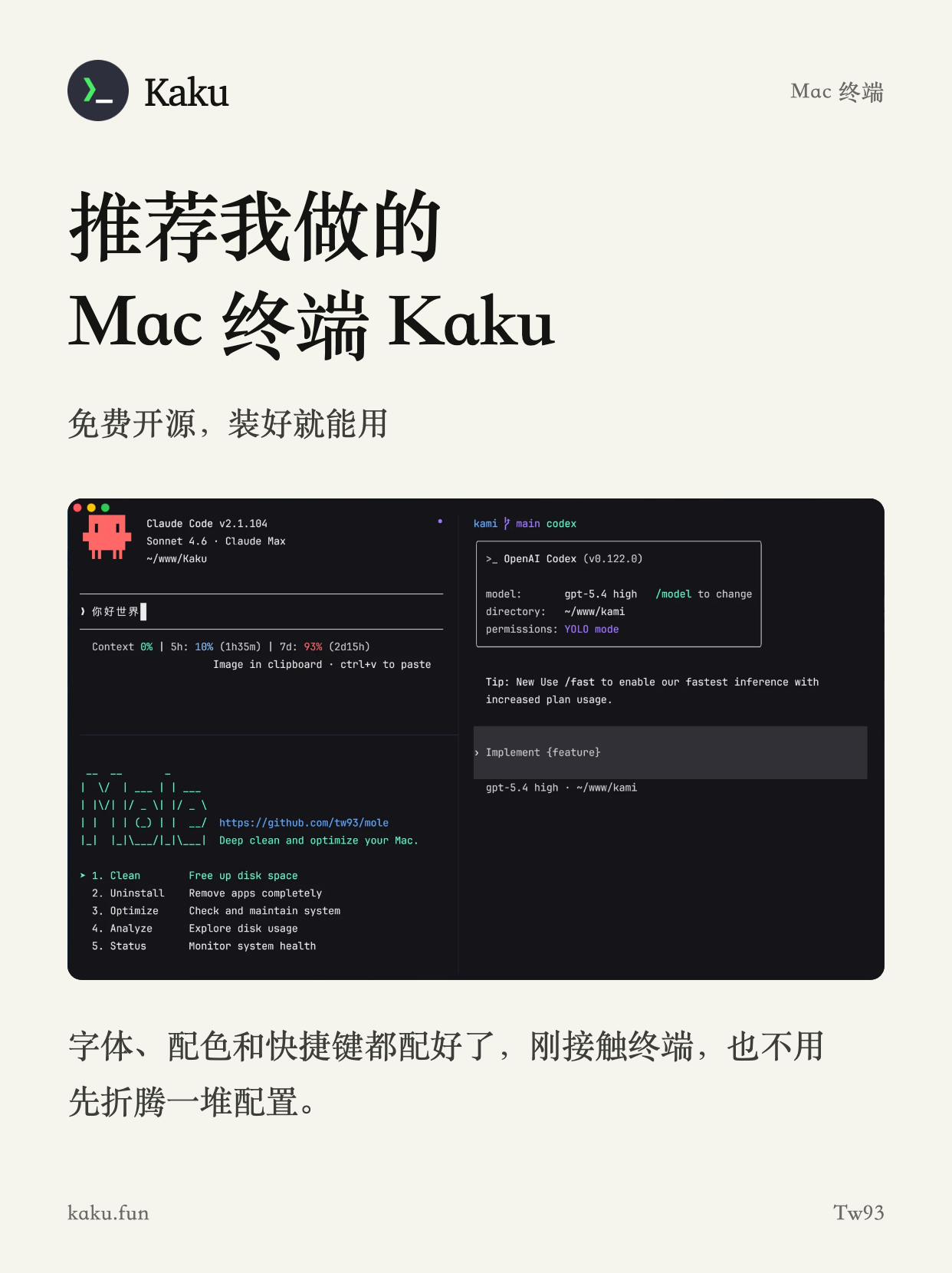
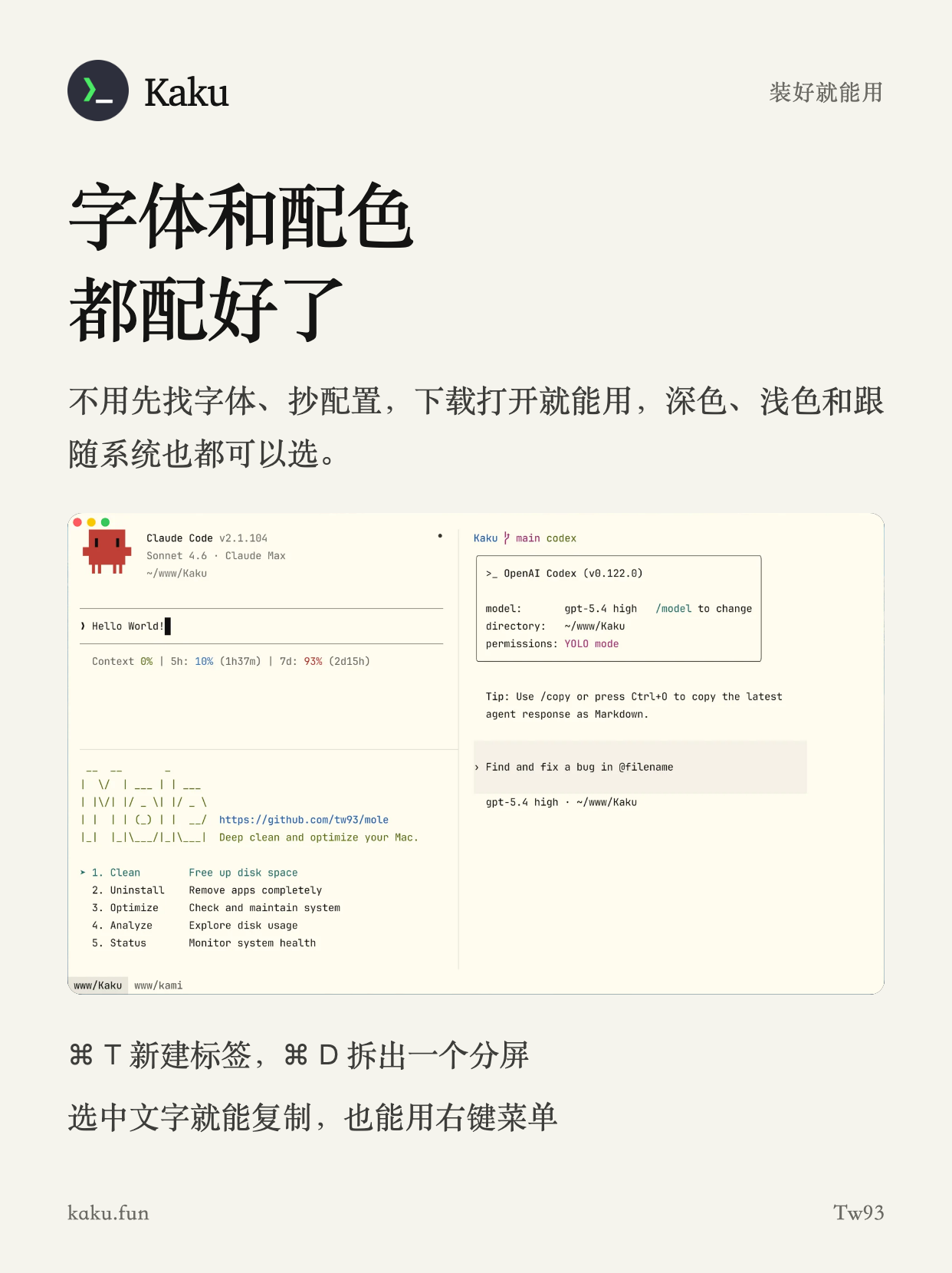
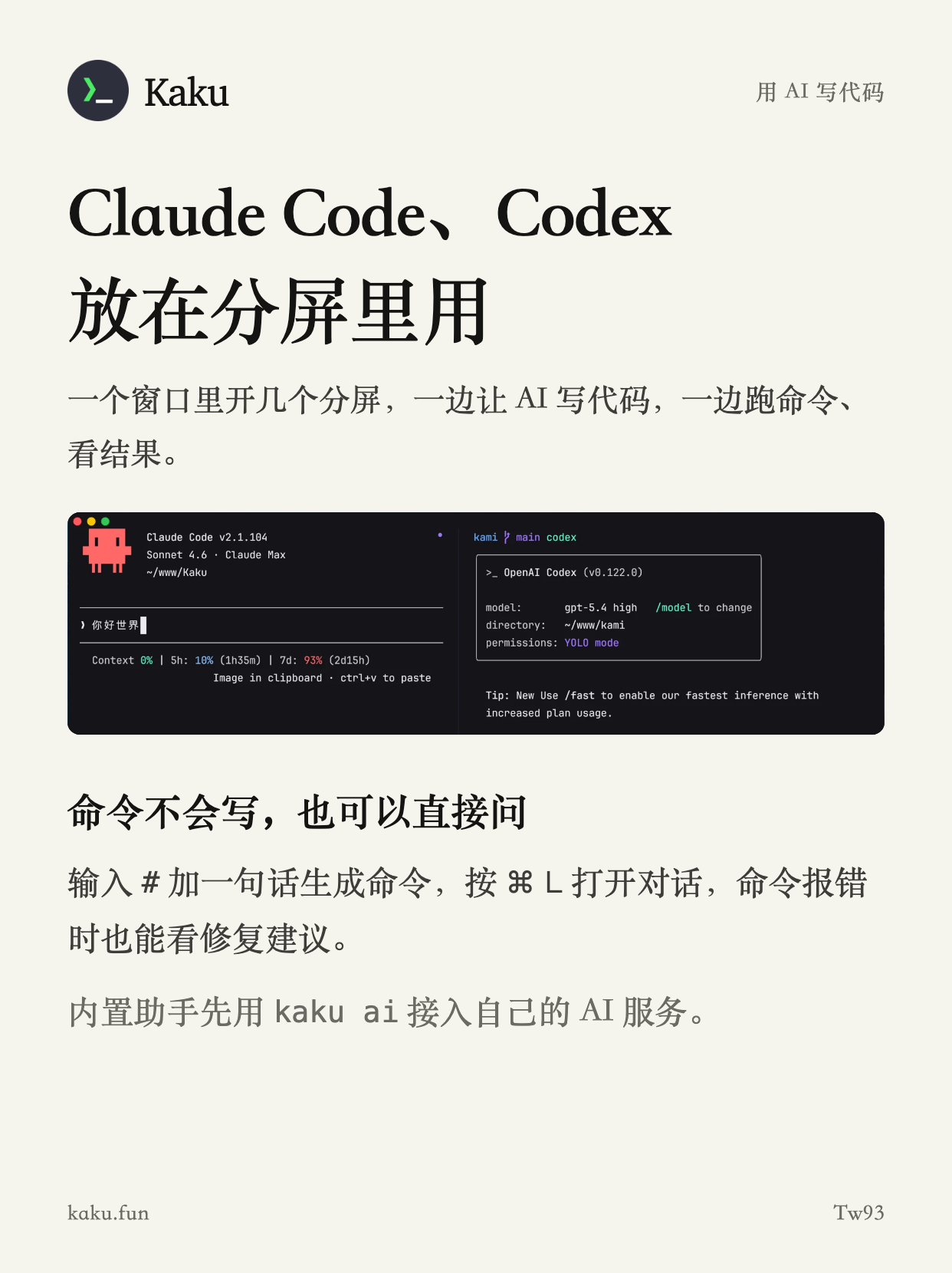
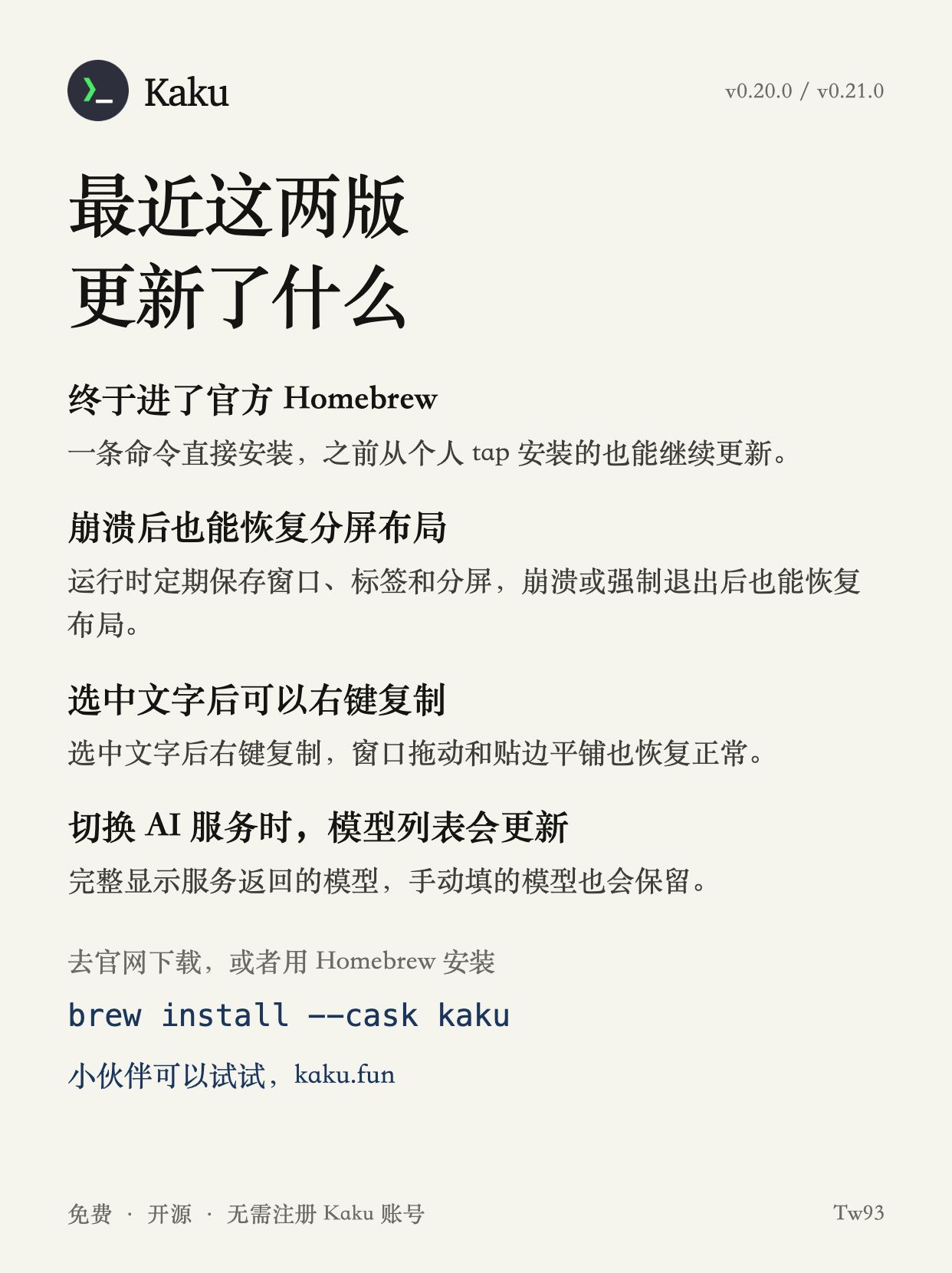
Let me introduce Kaku again for new friends. I worked on it over Chinese New Year, but it started as my own heavily modified version of WezTerm two years ago, with changes to make it more comfortable for me to use. It's now a Mac terminal you can use straight after installation, with no configuration needed. It works well for AI coding, performs well, and has plenty of small improvements based on my own coding habits. It's also the most complex project I've built. Since going open source, it has been through 28 releases while keeping the open issue count at zero. Give it a try.
## Just Looking Around
**ChatGPT's ad collector may link activity on other sites to your account**
The author reproduced this on their own phone: an `__obi` cookie linked to a ChatGPT account gets sent back to OpenAI with advertising tracking requests from third-party sites. Once a site advertising on ChatGPT installs this code, browsing, searches, and purchases on that site may be linked to your account. They verified it using two independent traffic capture methods and cross-checked traffic records covering 936 advertiser pixels. That does raise some privacy concerns.
**Opus 5.5 is a model that's really surprised me lately**
**Introducing Kaku again for new friends, a project I worked on over Chinese New Year**
Let me introduce Kaku again for new friends. I worked on it over Chinese New Year, but it started as my own heavily modified version of WezTerm two years ago, with changes to make it more comfortable for me to use. It's now a Mac terminal you can use straight after installation, with no configuration needed. It works well for AI coding, performs well, and has plenty of small improvements based on my own coding habits. It's also the most complex project I've built. Since going open source, it has been through 28 releases while keeping the open issue count at zero. Give it a try.
## Just Looking Around
**ChatGPT's ad collector may link activity on other sites to your account**
The author reproduced this on their own phone: an `__obi` cookie linked to a ChatGPT account gets sent back to OpenAI with advertising tracking requests from third-party sites. Once a site advertising on ChatGPT installs this code, browsing, searches, and purchases on that site may be linked to your account. They verified it using two independent traffic capture methods and cross-checked traffic records covering 936 advertiser pixels. That does raise some privacy concerns.
**Opus 5.5 is a model that's really surprised me lately**
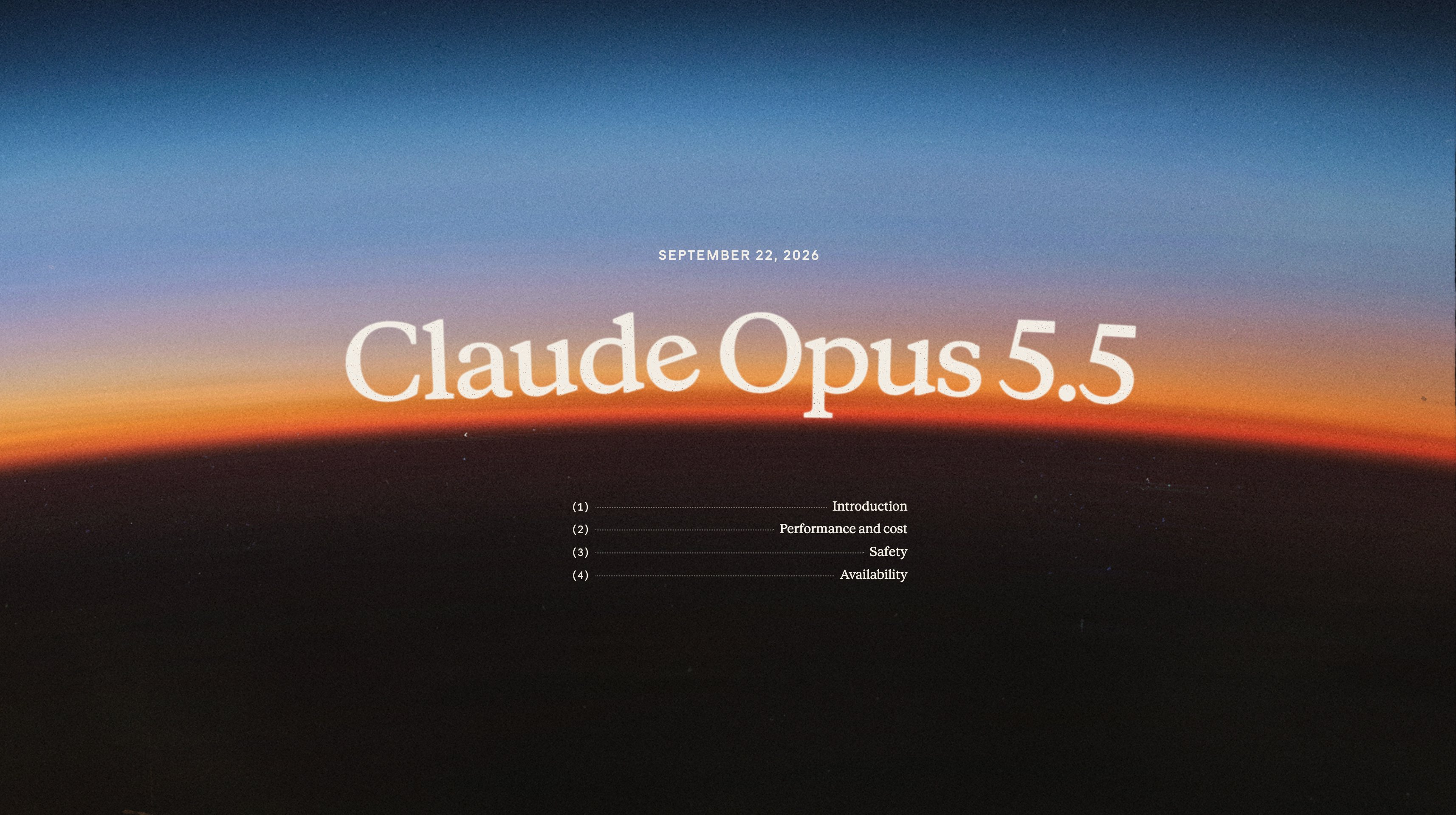 Opus 5.5 has surprised me so much lately that I've been getting up before 7 a.m. to write code. It feels so good to use. I'd really recommend trying it if you're using Fable 5.1. The capability is close, but it's much cheaper and feels quite a bit faster too.
I've also found it very good at long coding tasks. It feels like an experienced engineer, with its own thinking and a plan, working methodically through something complicated. It's well suited to jobs like migrations across repositories and audits of large codebases. One task today ran for two hours, and the result was so good that all I could say was holy shit, holy shit, holy shit.
It feels like getting the skill of a P8 senior architect and the working speed of a seasoned P6 engineer, all for an intern's salary. Another seemingly impossible combination is slowly becoming possible in the AI era.
And it finally talks like a person. The last model to surprise me that way was GPT-6 Astra, and this one is good too.
What a time to be alive. Models keep getting better, and I keep feeling I have more energy for the things I want to do. Plenty of tokens, fast responses, and good results make me very happy.
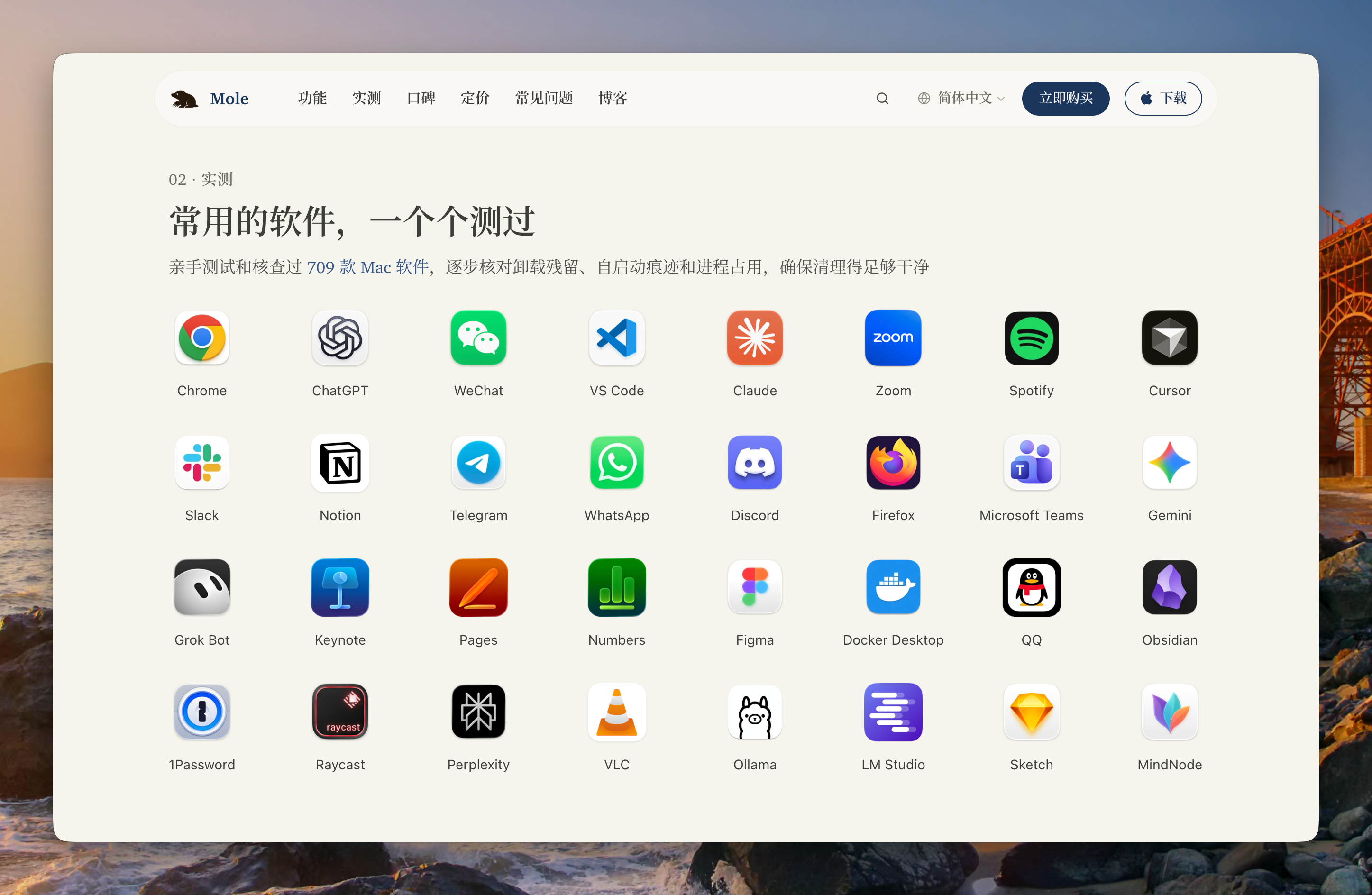
**An update on that dumb thing from last time: I've now tested 709 apps**
I chatted about this in the last issue, and somehow I got hooked. Back then I was still wondering when I'd reach 500 or 600 apps, but by the time Mole 1.15 shipped, I'd made it to 709. That includes the particularly hard-to-uninstall Adobe apps, all kinds of stubborn apps that stick around, antivirus software, most of the software we engineers use regularly, and various AI tools. I also came across some good apps worth learning from. I'll try to get to 1,000 tested apps by the next issue.
Opus 5.5 has surprised me so much lately that I've been getting up before 7 a.m. to write code. It feels so good to use. I'd really recommend trying it if you're using Fable 5.1. The capability is close, but it's much cheaper and feels quite a bit faster too.
I've also found it very good at long coding tasks. It feels like an experienced engineer, with its own thinking and a plan, working methodically through something complicated. It's well suited to jobs like migrations across repositories and audits of large codebases. One task today ran for two hours, and the result was so good that all I could say was holy shit, holy shit, holy shit.
It feels like getting the skill of a P8 senior architect and the working speed of a seasoned P6 engineer, all for an intern's salary. Another seemingly impossible combination is slowly becoming possible in the AI era.
And it finally talks like a person. The last model to surprise me that way was GPT-6 Astra, and this one is good too.
What a time to be alive. Models keep getting better, and I keep feeling I have more energy for the things I want to do. Plenty of tokens, fast responses, and good results make me very happy.
**An update on that dumb thing from last time: I've now tested 709 apps**
I chatted about this in the last issue, and somehow I got hooked. Back then I was still wondering when I'd reach 500 or 600 apps, but by the time Mole 1.15 shipped, I'd made it to 709. That includes the particularly hard-to-uninstall Adobe apps, all kinds of stubborn apps that stick around, antivirus software, most of the software we engineers use regularly, and various AI tools. I also came across some good apps worth learning from. I'll try to get to 1,000 tested apps by the next issue.
 **One of the best things about using AI is making full use of your quota before it resets**
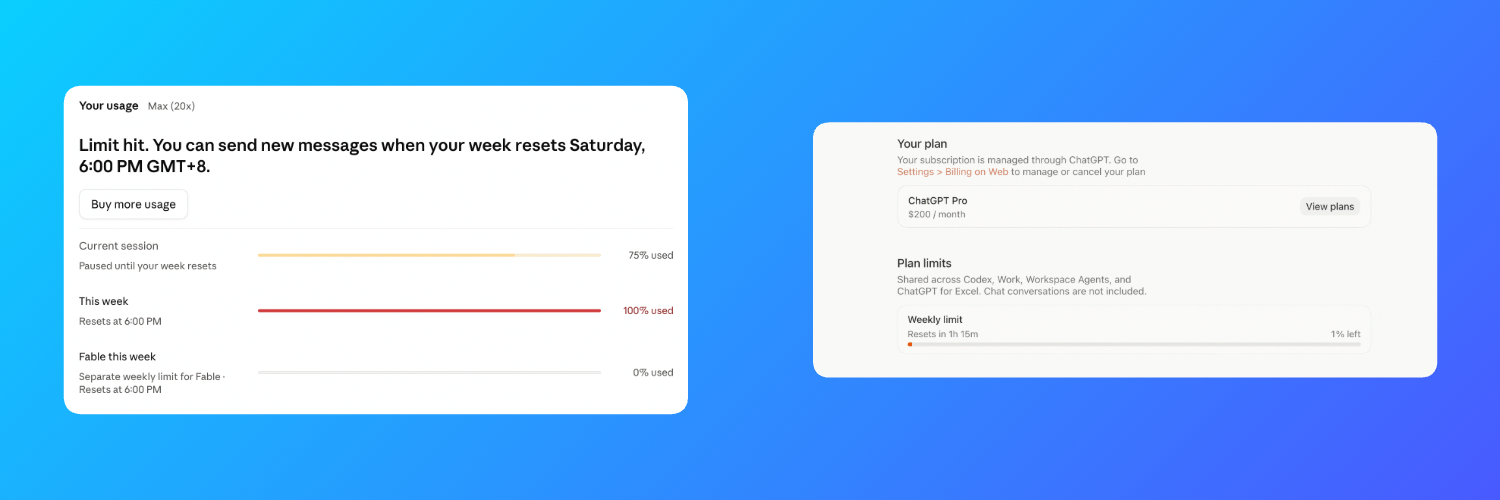 One of the best things about using AI is using up the weekly quotas on both of my $200 accounts in the last few minutes before they reset. Spending them on things that solve real problems rather than demos feels especially good.
This time, both my Claude and Codex quotas were reset using the extra resets they gave us on Wednesday. I went through the Codex quota pretty quickly with GPT-6 Astra Medium, mostly using it for detail-oriented work like analyzing requirements and reviewing code. I didn't even turn on Fast mode, so I could get more use out of it.
In Claude Code, I'm using my favorite, Opus 5.5 High, and the quota lasts a very, very long time. It feels worthy of the Max name. Codex Pro feels a bit like Pro mini these days, since the quota doesn't last long, though the extra resets help. I'm also very grateful to Codex for giving me a six-month open-source subscription, which has let me work on some interesting things.
I like Opus 5.5 because it has really, really, really helped me. Without it, Mole for Windows certainly wouldn't have taken shape quickly enough for me to start testing it. I even got a ThinkPad X1 for testing. It's light and feels well made, though I still do most of the development on my Mac, writing native Windows code in C# and using the very handy Parallels Desktop virtual machine. After trying it, I bought a year's subscription. Windows runs very smoothly in it, and my agent can operate the apps inside to help me test them, which has also really, really, really surprised me. At a little over 300 yuan a year, it's well worth it.
I've also started using the $200-a-month account Cursor gave me, and it's been very good too. They previously gave me $10,000 in credits, which I used up in a month building Kami and Waza, which many of you know, and writing quite a bit of Mole's Mac code. Lately I've been using its Grok Bot to help with global user growth, with more emphasis on quality, which has been interesting. I also use Grok 4.7 Extra High Fast to handle issues and PRs across open-source projects. A month went by, and I'd already used most of that allowance too. It goes fast. Although I don't find it as smart as the other two, I'd put it in third place, which is still pretty good. Since Cursor was acquired by SpaceX, a company I like, the two together feel like 1 + 1 is much greater than 2. That's interesting too.
I'm rambling a bit. What I want to say is that using every last bit of your AI subscriptions on real work before the quota resets is a lot of fun. I also really dislike the token-usage rankings some companies and teams have used, looking at how many tokens people spend instead of what they do with them. That gets things backwards and can lead engineers in the wrong direction.
Making full use of AI is more fun. Fewer demos, more actual products.
One of the best things about using AI is using up the weekly quotas on both of my $200 accounts in the last few minutes before they reset. Spending them on things that solve real problems rather than demos feels especially good.
This time, both my Claude and Codex quotas were reset using the extra resets they gave us on Wednesday. I went through the Codex quota pretty quickly with GPT-6 Astra Medium, mostly using it for detail-oriented work like analyzing requirements and reviewing code. I didn't even turn on Fast mode, so I could get more use out of it.
In Claude Code, I'm using my favorite, Opus 5.5 High, and the quota lasts a very, very long time. It feels worthy of the Max name. Codex Pro feels a bit like Pro mini these days, since the quota doesn't last long, though the extra resets help. I'm also very grateful to Codex for giving me a six-month open-source subscription, which has let me work on some interesting things.
I like Opus 5.5 because it has really, really, really helped me. Without it, Mole for Windows certainly wouldn't have taken shape quickly enough for me to start testing it. I even got a ThinkPad X1 for testing. It's light and feels well made, though I still do most of the development on my Mac, writing native Windows code in C# and using the very handy Parallels Desktop virtual machine. After trying it, I bought a year's subscription. Windows runs very smoothly in it, and my agent can operate the apps inside to help me test them, which has also really, really, really surprised me. At a little over 300 yuan a year, it's well worth it.
I've also started using the $200-a-month account Cursor gave me, and it's been very good too. They previously gave me $10,000 in credits, which I used up in a month building Kami and Waza, which many of you know, and writing quite a bit of Mole's Mac code. Lately I've been using its Grok Bot to help with global user growth, with more emphasis on quality, which has been interesting. I also use Grok 4.7 Extra High Fast to handle issues and PRs across open-source projects. A month went by, and I'd already used most of that allowance too. It goes fast. Although I don't find it as smart as the other two, I'd put it in third place, which is still pretty good. Since Cursor was acquired by SpaceX, a company I like, the two together feel like 1 + 1 is much greater than 2. That's interesting too.
I'm rambling a bit. What I want to say is that using every last bit of your AI subscriptions on real work before the quota resets is a lot of fun. I also really dislike the token-usage rankings some companies and teams have used, looking at how many tokens people spend instead of what they do with them. That gets things backwards and can lead engineers in the wrong direction.
Making full use of AI is more fun. Fewer demos, more actual products.